Enable trusted access between AWS Organizations and AWS CloudFormation
Overview
Enables CloudFormation StackSets to perform operations on member accounts without requiring individual permission configurations in each account.
Steps to follow
Sign in to the AWS Management Console as the management account and open AWS CloudFormation.
Open AWS CloudShell.
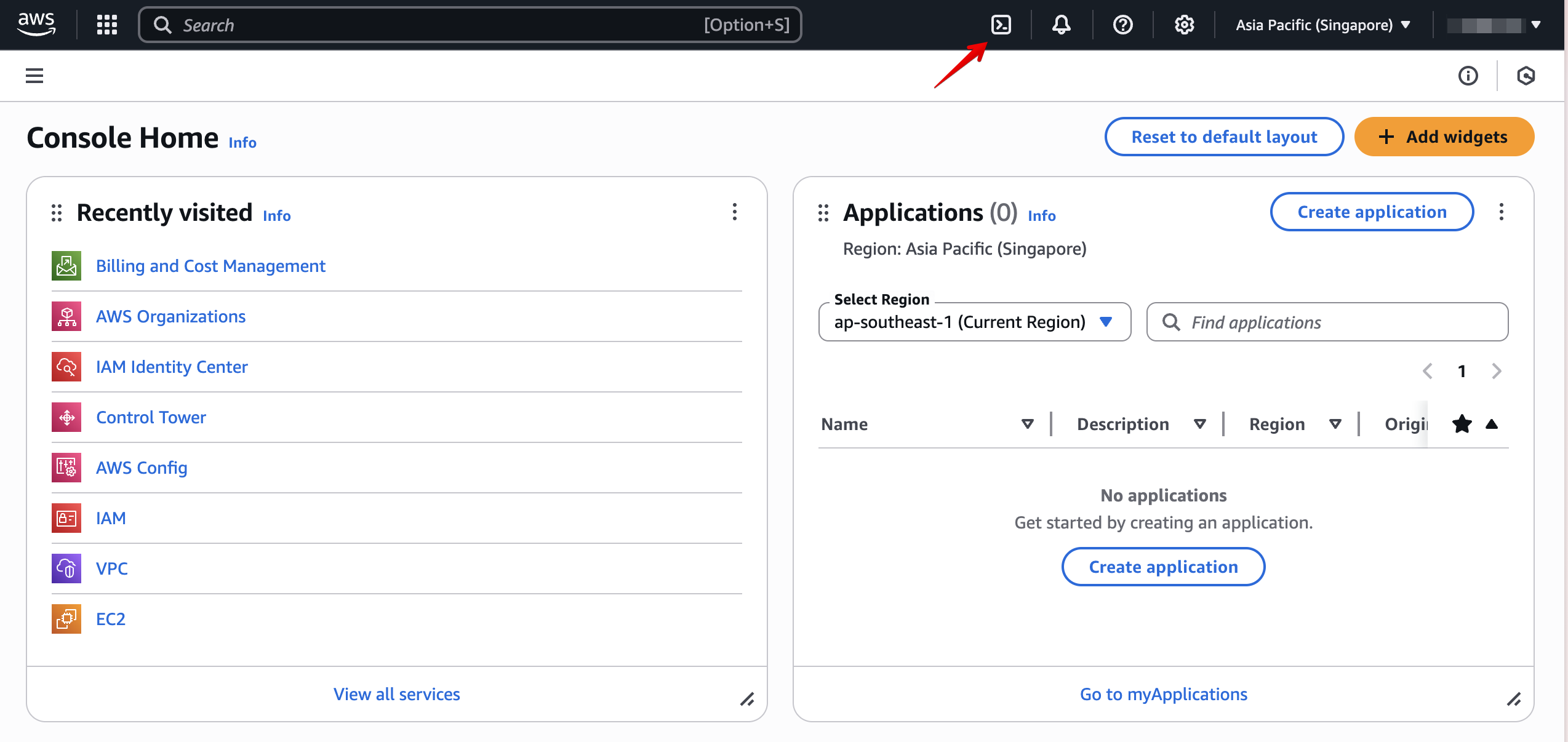
Execute the following command:
aws organizations enable-aws-service-access --service-principal=member.org.stacksets.cloudformation.amazonaws.com