Enable trusted access between AWS Organizations and AWS Config
Overview
This setup allows AWS Config to perform cross-account operations without requiring administrators to manually configure permission policies in each account.
The following steps include:
- enable the core AWS Config service integration
- enable multi-account deployment and aggregation features
Steps to follow
Sign in to the AWS Management Console as the management account and open AWS Config.
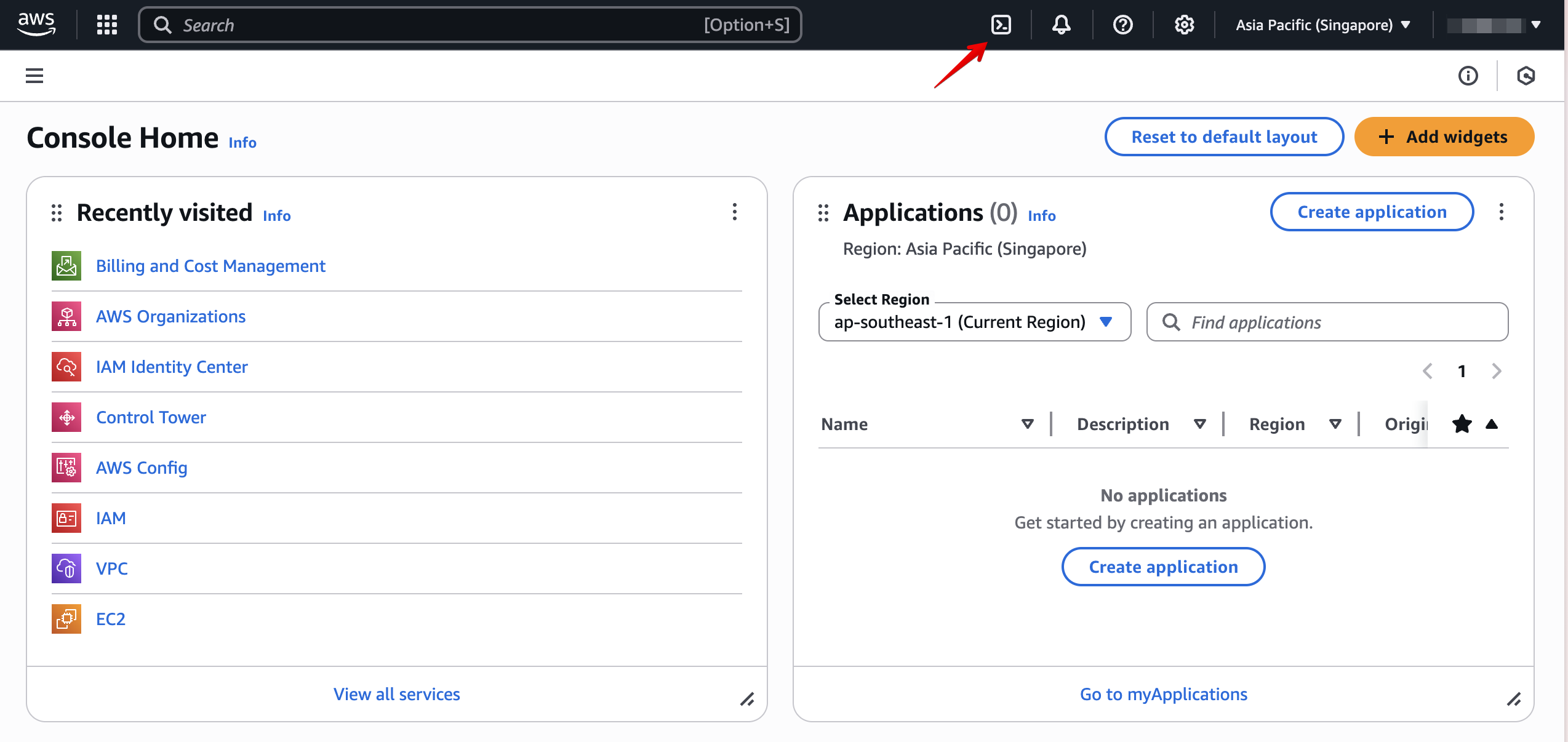
Open AWS CloudShell.
Execute the following two commands:
aws organizations enable-aws-service-access --service-principal=config-multiaccountsetup.amazonaws.comaws organizations enable-aws-service-access --service-principal=config.amazonaws.com