Enable AWS Organizations
To begin, you need an AWS account that hasn’t joined AWS Organizations yet.
Enable AWS Organizations (Console)
In the AWS Management Console, in the top-left corner next to Services, click the search box, type “AWS Organizations”, and select the service.
Click Create Organization. By default, the organization is created with all features enabled.
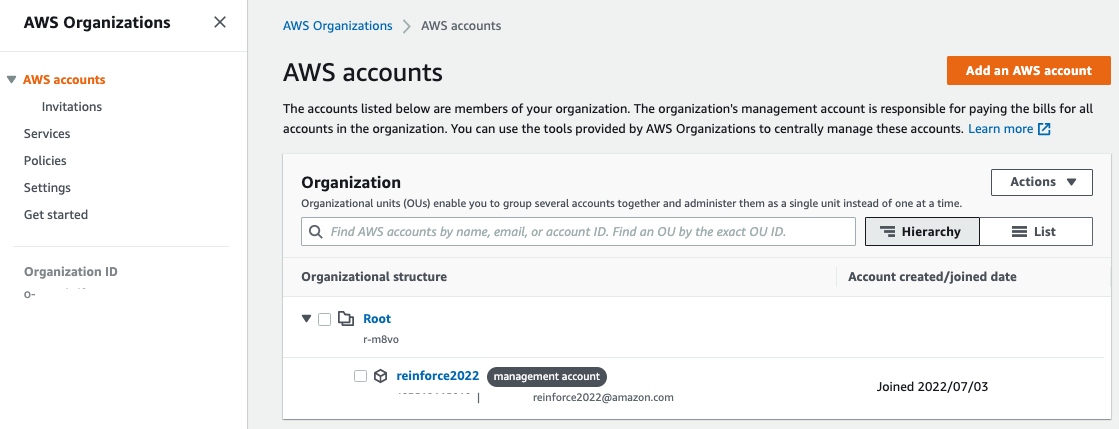
The organization is created and the AWS Accounts page appears. The only account currently available is your management account, and it is now under the root organizational unit (OU).